CARS Tour WEST - Galloway 150 Pro Late Model Showdown
Friday, June 26, 2026 - Saturday, June 27, 2026
Monroe, WA 98272
.png&w=3840&q=75)
JUN
26–27
FRI–SAT
Get Passes
PLM Race Registration
Race Registration
SPEARS CARS Tour West PLM race registration
$200.00
All-In
Pricing
No Fees Added
Legends Race Registration
Race Registration
SPEARS CARS Tour West Legends race registration
$50.00
All-In
Pricing
No Fees Added
Weekend Pit Pass
Multi-Day Pit Pass
🎫 🎫 Pit Pass for both Friday and Saturday
$85.00
All-In
Pricing
No Fees Added
Friday Practice - PRO LATE MODEL
Friday Practice
🚗 Open Practice Fee
$200.00
All-In
Pricing
No Fees Added
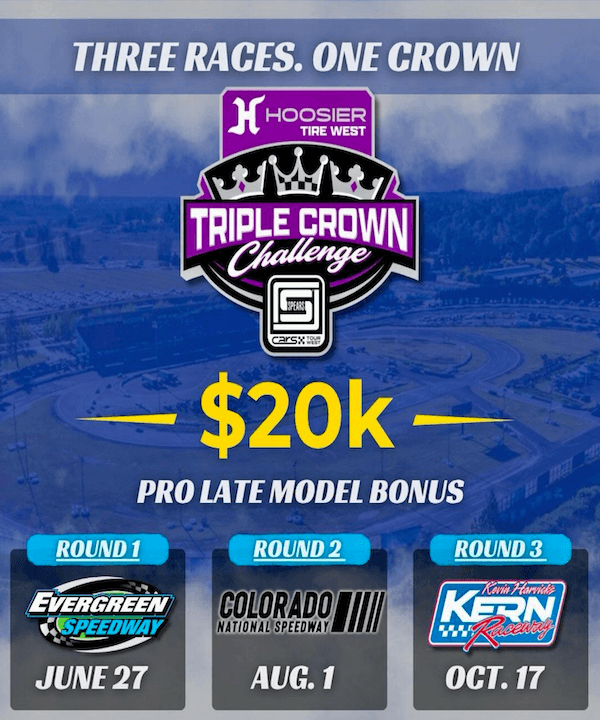
Gate & Start Times
Friday, June 26
Gates Open
10:00 AM PST
Racing Starts
6:35 PM PST
Saturday, June 27
Gates Open
9:00 AM PST
Racing Starts
7:30 PM PST
Info
Everything you need to know
Event Info

-36652.854603624.png)
.png)


